Using the Processing platform, write a sketch
PixelWalker that uses a Walker() class.
Walker classThe Walker class tracks the x- and y-coordinates of a
walker. It includes
int parameters x and
y to establish the walker's initial positiongetX() and getY() that
return the values of those variablessetX(newX) and setY(newY)
that modify the values of those variables.move() method which causes the walker's position
to change, usually by one step in the x or y
directionPixelWalker classIn Processing, the main program (in this case
PixelWalker) must be the first, leftmost tab in
the project. Click on the down-arrow in the tab to create a new tab for
additional classes (in this case Walker) that should be
included in the project.
The main program in the sketch will include:
void setup() method to initialize the instance
variables, and establish a graphical windowvoid draw() loop that displays the walker and its
position as long as the walker hasn't returned to the middle of the
screen.Also, print in the console the coordinates of the walker and the number of steps it has taken.
Note that you don't need to set up an explicit loop for this project:
the draw() method itself repeats.
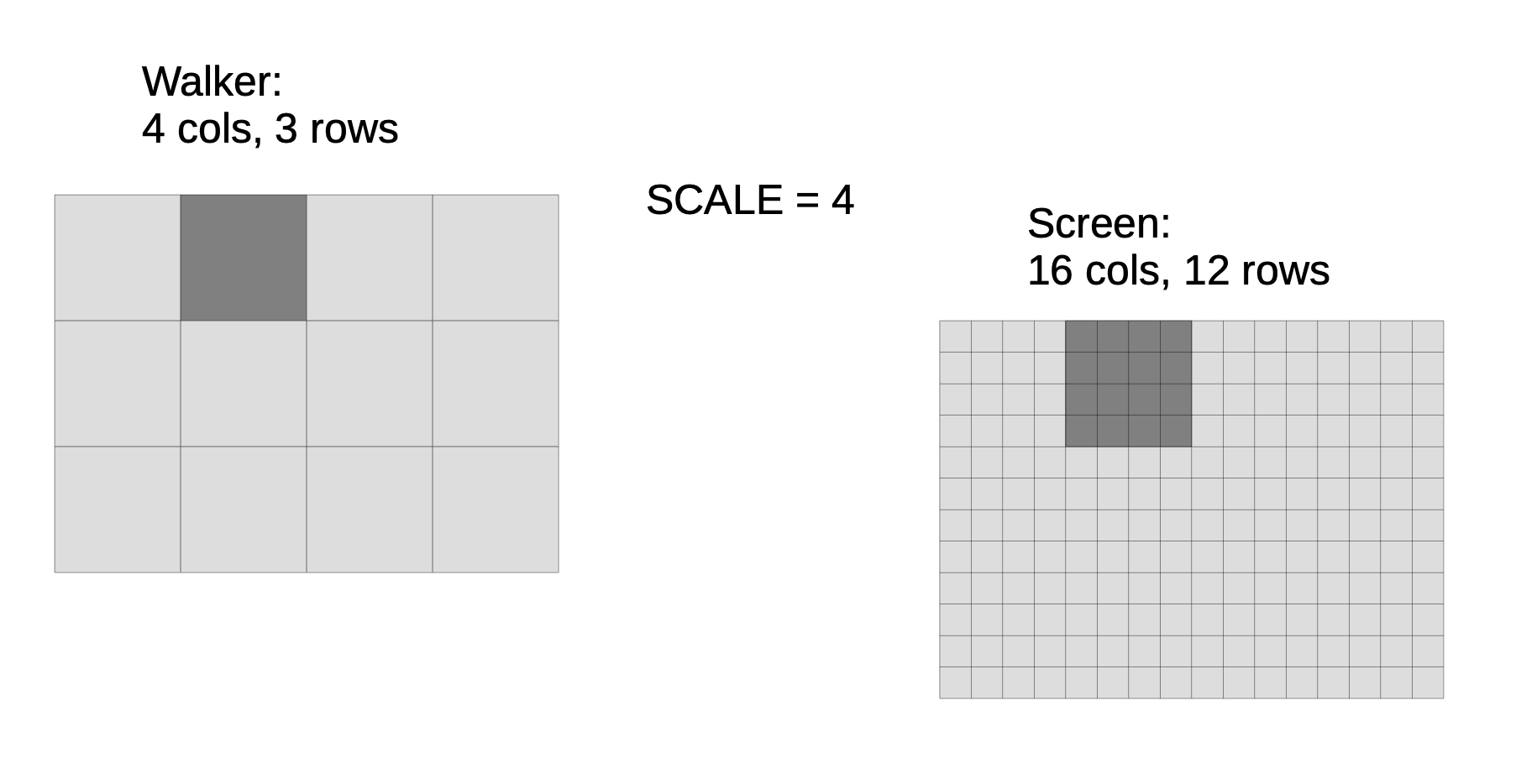
If you have a screen with a large number of pixels, they will be very small. Your PixelWalker may not be easily visible unless you magnify your screen. See Extension #1 below for some ideas on how to improve this.